How to Deposit Using GCash on Royal Star PH: Step-by-Step
Why GCash is Popular for Casino Deposits in the Philippines
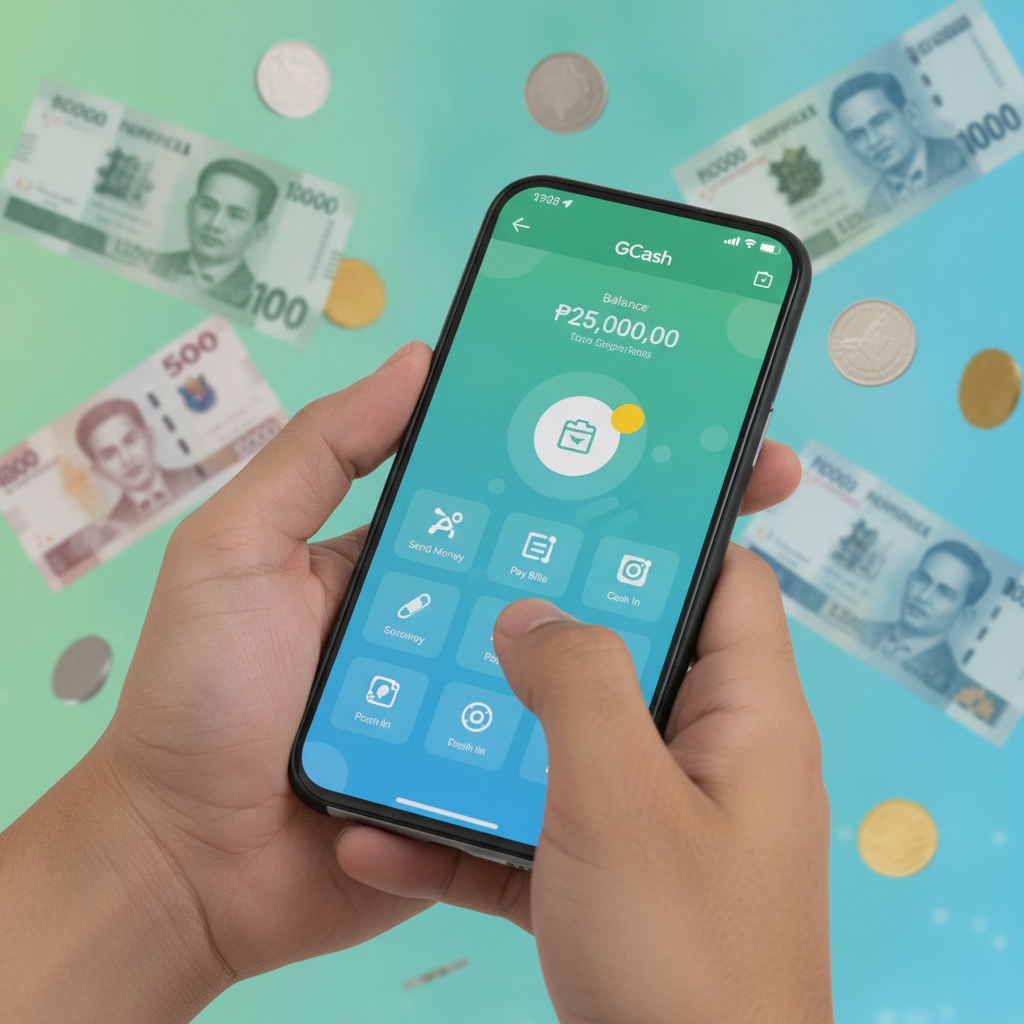
GCash has become the go-to e-wallet for millions of Filipinos who want to deposit money into online casino accounts quickly and securely. Royal Star PH supports GCash as one of its main deposit methods, making it easy for players to fund their accounts without needing a credit card or waiting days for a bank transfer to clear.
Most players choose GCash for several practical reasons. First, it's instant—money appears in your Royal Star PH balance within seconds of confirming the transaction. Second, GCash is already installed on many Android phones across Metro Manila and the provinces, so there's no need to create yet another account. Third, the minimum deposit limits on Royal Star PH work well with typical GCash balances. Players who load PHP 100 to PHP 500 at a time can start playing slots, live dealer games, or betting on PBA and NBA matches without depositing more than they're comfortable with.
Unlike bank transfers that might take a full business day, GCash deposits happen in real time. This is especially useful when you want to place a quick bet on a live basketball game or join a progressive jackpot slot before the prize resets. Royal Star PH processes GCash deposits immediately, so you can focus on choosing your game instead of waiting around.
Complete Walkthrough: Linking GCash to Your Royal Star PH Account
Before you can deposit using GCash, you need to have an active Royal Star PH account and a verified GCash e-wallet. If you haven't registered on Royal Star PH yet, you'll need to complete the sign-up process first, including basic ID verification. Royal Star PH is open only to players aged 21 and over, so make sure you meet the age requirement before proceeding.
What you'll need:
- A registered Royal Star PH account with your real name and mobile number
- The GCash app installed on your phone, fully verified with your valid ID
- Enough GCash balance to cover your intended deposit (minimum PHP 100 on most transactions)
- A stable internet connection—mobile data or Wi-Fi both work
Royal Star PH does not require you to "link" your GCash account in the traditional sense. Instead, each deposit is handled as a one-time transaction where you confirm the payment inside the GCash app. This means your GCash account details stay private, and Royal Star PH never stores your e-wallet password or PIN.
The first time you deposit, Royal Star PH may ask you to confirm your registered mobile number. Make sure the phone number on your Royal Star PH account matches the number tied to your GCash wallet. If the numbers don't match, the deposit may be delayed or rejected, and you'll need to contact customer support to sort it out.
Step-by-Step Deposit Process
Here's exactly how to deposit money from GCash into your Royal Star PH account. These steps assume you're using a mobile browser or the Royal Star PH mobile site on an Android device, which is how most Filipino players access the platform.
Step 1: Log in to Royal Star PH
Open your mobile browser and go to the Royal Star PH website. Tap the login button and enter your username and password. If you've enabled two-factor authentication, confirm the login code sent to your phone. Once logged in, you'll land on the homepage where you can see the current game lobby and your account balance at the top of the screen.
Step 2: Navigate to the Deposit page
Look for the "Deposit" or "Cash In" button, usually located in the top right corner or inside the account menu. Tap it to open the deposit page. You'll see a list of available payment methods, including GCash, Maya, bank transfer via InstaPay, and sometimes other local options.
Step 3: Select GCash as your payment method
Tap on the GCash icon or the button labeled "GCash." The page will refresh and display a deposit form where you can enter the amount you want to deposit.
Step 4: Enter your deposit amount
Type in the amount you want to add to your Royal Star PH balance. Most players start with PHP 100, PHP 200, or PHP 500. Check the minimum and maximum deposit limits shown on the screen—these can vary, but the minimum is typically PHP 100 and the maximum can be PHP 10,000 or higher per transaction.
Make sure you have enough balance in your GCash wallet to cover the full amount. If your GCash balance is too low, you'll need to cash in at a partner outlet, through online banking, or via a remittance center before continuing.
Step 5: Confirm the deposit details
Before submitting, double-check the amount and make sure your registered mobile number is correct. Some casino platforms display a reference number or transaction ID at this stage—take note of it in case you need to follow up with customer support later.
Tap the "Proceed" or "Confirm" button. Royal Star PH will redirect you to a GCash payment gateway or generate a payment prompt.
Step 6: Approve the transaction in GCash
Your phone will either open the GCash app automatically or show a payment confirmation screen. If the GCash app doesn't open, you may need to tap a button that says "Open GCash" or copy a payment link.
Inside the GCash app, you'll see a summary of the transaction: the recipient (usually Royal Star PH or its payment processor), the amount, and a short description. Review everything carefully.
Enter your GCash MPIN (the four- or six-digit code you set up when you verified your GCash account) to authorize the payment. Once you tap "Confirm" or "Pay Now," GCash will process the transaction instantly.
Step 7: Return to Royal Star PH
After GCash confirms the payment, you'll see a success message inside the app. Tap the button that says "Done" or "Back to Merchant" to return to the Royal Star PH website. In most cases, your deposit is credited immediately, and you'll see your updated balance on the homepage.
If you don't see the funds right away, wait 30 seconds and refresh the page. Occasionally, network delays can cause a short lag, but deposits using GCash on Royal Star PH are almost always instant.
Deposit Confirmation and Checking Your Balance
Once your deposit is complete, you should see a confirmation message on the Royal Star PH site. This message will include the transaction amount, a reference number, and a timestamp. Take a screenshot of this confirmation or write down the reference number—it's helpful if you ever need to contact customer support about the transaction.
To verify that the money arrived in your account, check your balance at the top of the Royal Star PH homepage. The balance should reflect your previous amount plus the deposit you just made. If the numbers don't match, try logging out and logging back in, or clearing your browser cache and refreshing the page.
You can also view your full transaction history by going to the "My Account" or "Transactions" section of the Royal Star PH site. Look for a record of your deposit, which will show the date, time, payment method, and amount. This record is useful for tracking your spending and budgeting your play.
If more than five minutes have passed and your balance still hasn't updated, reach out to Royal Star PH customer support. Have your GCash transaction reference number and the approximate time of the deposit ready. Support can check the payment status on their end and manually credit your account if needed.
Most deposit issues are resolved quickly, especially with GCash, since the payment trail is clear and instant. In rare cases, a mismatch between the mobile number on your Royal Star PH account and your GCash number can cause delays, so always make sure those details match before depositing.
Tips for Smooth GCash Deposits on Royal Star PH
- Use the same mobile number: Register your Royal Star PH account with the same phone number linked to your GCash wallet. This prevents verification issues and speeds up deposits.
- Keep your GCash app updated: An outdated version of the GCash app can cause payment errors or failed redirects. Update the app regularly through Google Play Store.
- Deposit during off-peak hours: If you're depositing late at night or very early in the morning, you may experience slightly faster processing since fewer players are using the system.
- Check your GCash transaction history: After every deposit, open the GCash app and review your transaction history. If the payment went through but your Royal Star PH balance didn't update, this history serves as proof of payment.
- Don't close the browser too soon: Wait until you see the confirmation screen on Royal Star PH before closing your browser or switching apps. Closing too early might interrupt the callback that credits your account.
21+ Requirement and Play Responsibly Reminder
Royal Star PH is available only to players aged 21 and over. Before registering or depositing, make sure you meet the legal age requirement. The platform may ask for ID verification at any time, and accounts that do not comply with the age rule will be suspended.
Depositing money into an online casino should always be done with a clear budget in mind. Decide how much you can afford to play with before you load funds, and never deposit money that you need for bills, groceries, or other essentials. GCash makes it easy to send money instantly, but that convenience also means it's easy to overspend if you're not careful.
Set a deposit limit for yourself—whether that's PHP 500 per week or PHP 1,000 per month—and stick to it. Royal Star PH offers slots, live dealer tables, and sports betting on PBA, NBA, and volleyball, but no game or bet is ever guaranteed to win. Treat your deposits as entertainment spending, not as a way to make money.
If you feel that your casino play is becoming a problem, take a break. Consider using GCash's spending tracking features to monitor how much you're sending to casino platforms each month. You can also reach out to local responsible gambling resources for support if you need help managing your play.
Gambling should be fun, social, and done in moderation. Keep it that way by playing responsibly and only depositing what you can afford to lose.